For Podcasters
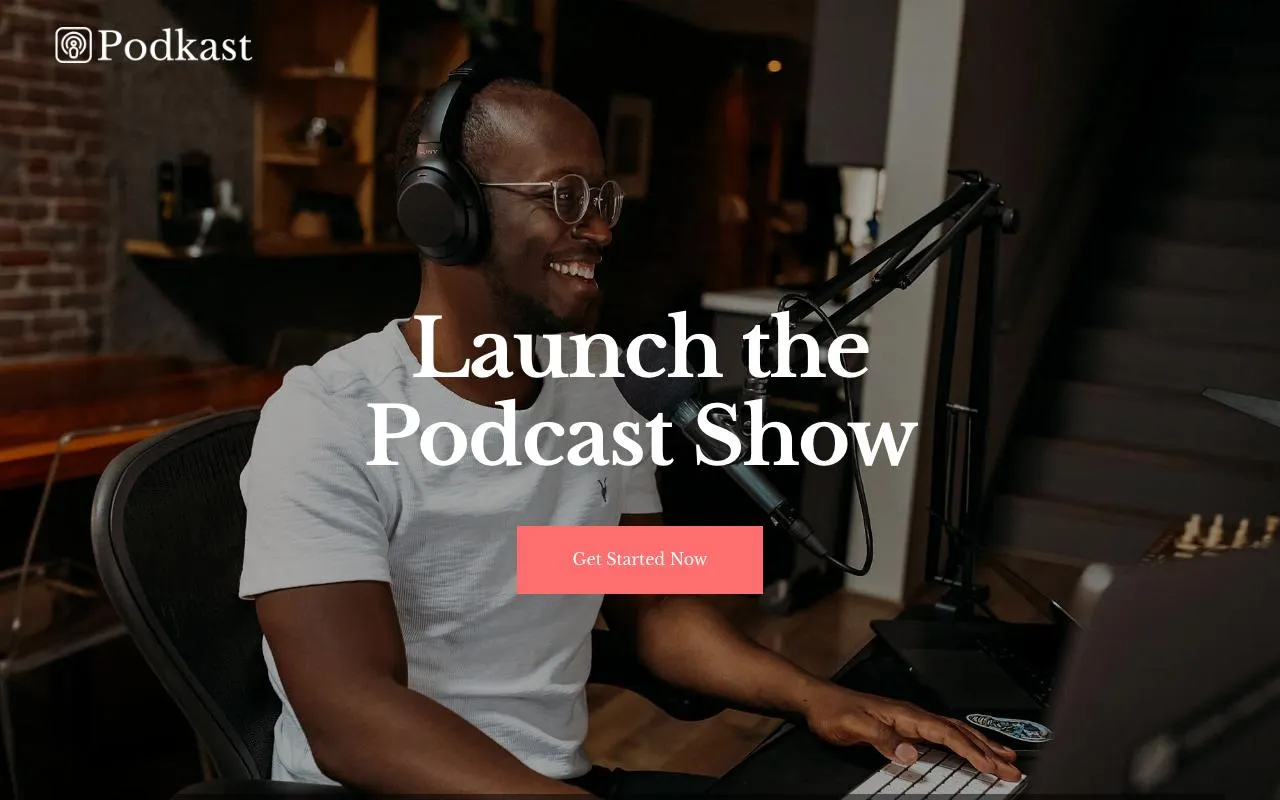
Create a podcast website easily
Share your episodes, grow your audience, and look professional online.
Free plan available. No credit card required.
Why choose SiteLoom for your podcast website
Episode listing
Display all your episodes with descriptions and play buttons.
Subscribe links
Link to Spotify, Apple Podcasts, YouTube and more.
Show notes
Share detailed show notes and guest bios.
Mobile-perfect
Listeners browse on their phone.
Easy updates
Add new episodes in seconds.
Your domain
Free subdomain or your own.
3 steps to your podcast website
1
Pick a template
Choose a podcast-ready template.
2
Add episodes
Upload artwork, add descriptions and links.
3
Publish
Go live and share with your audience.
Affordable pricing
No surprise fees. Start free, upgrade when ready.
Starter
Free
- yourname.siteloom.site
- Unlimited pages
- SSL included
Pro
18€/month
Billed yearly
- Your own domain
- All PRO features
- Contact forms & booking
Don't want to build it yourself?
Our certified SiteLoom Experts can design and build your podcast website for you. You focus on your business, they handle the rest.
FAQ
Frequently asked questions
How much does it cost to create a website for my podcast?
SiteLoom lets you build a professional podcast website for free with a yourname.siteloom.site subdomain. For a custom domain like www.mypodcast.com with advanced features and analytics, the Pro plan starts at just 18€/month, much cheaper than custom web development.
Can I embed a podcast player from Spotify or Apple Podcasts on my website?
Yes! SiteLoom supports embedding players from all major podcast platforms including Spotify, Apple Podcasts, YouTube, and more. Visitors can listen to your episodes directly on your website without leaving the page, keeping them engaged with your content longer.
How do I list all my podcast episodes with show notes on a website?
SiteLoom podcast templates include episode listing sections where you can display each episode with its title, description, show notes, guest bios, and play buttons. The drag-and-drop editor makes adding new episodes quick and simple, no coding needed.
Do I need web development skills to create a podcast website?
Not at all. SiteLoom is built for content creators, not developers. Choose a podcast-ready template, add your episodes and artwork, and publish in minutes. The AI assistant can even generate your entire podcast website automatically.
How can a podcast website help me grow my audience?
A dedicated SiteLoom website gives your podcast a professional home beyond streaming platforms. It helps you rank on Google for your podcast topics, collect email subscribers, and provide subscribe links to all platforms in one place. The Pro plan includes SEO tools to help new listeners discover your show.
Can I add subscribe links to Spotify, Apple Podcasts, and YouTube on my site?
Absolutely! SiteLoom templates include dedicated subscribe sections where you can link to every platform your podcast is available on - Spotify, Apple Podcasts, Google Podcasts, YouTube, Amazon Music, and more. Make it easy for listeners to follow you wherever they prefer.
Ready to launch your podcast site?
Create your website with SiteLoom. Free to start.
Create my podcast website